
ProductUpdated
What's new in SimpleFill 4
Rich text snippets, Fields and Smart Fields, AI actions, Quick Access, one-click form fill, and a template marketplace. Here's everything that changed, and why.
Read the postWhat’s new in SimpleFill, and ideas for spending less of your day typing the same things.
ProductUpdated
Rich text snippets, Fields and Smart Fields, AI actions, Quick Access, one-click form fill, and a template marketplace. Here's everything that changed, and why.
Read the post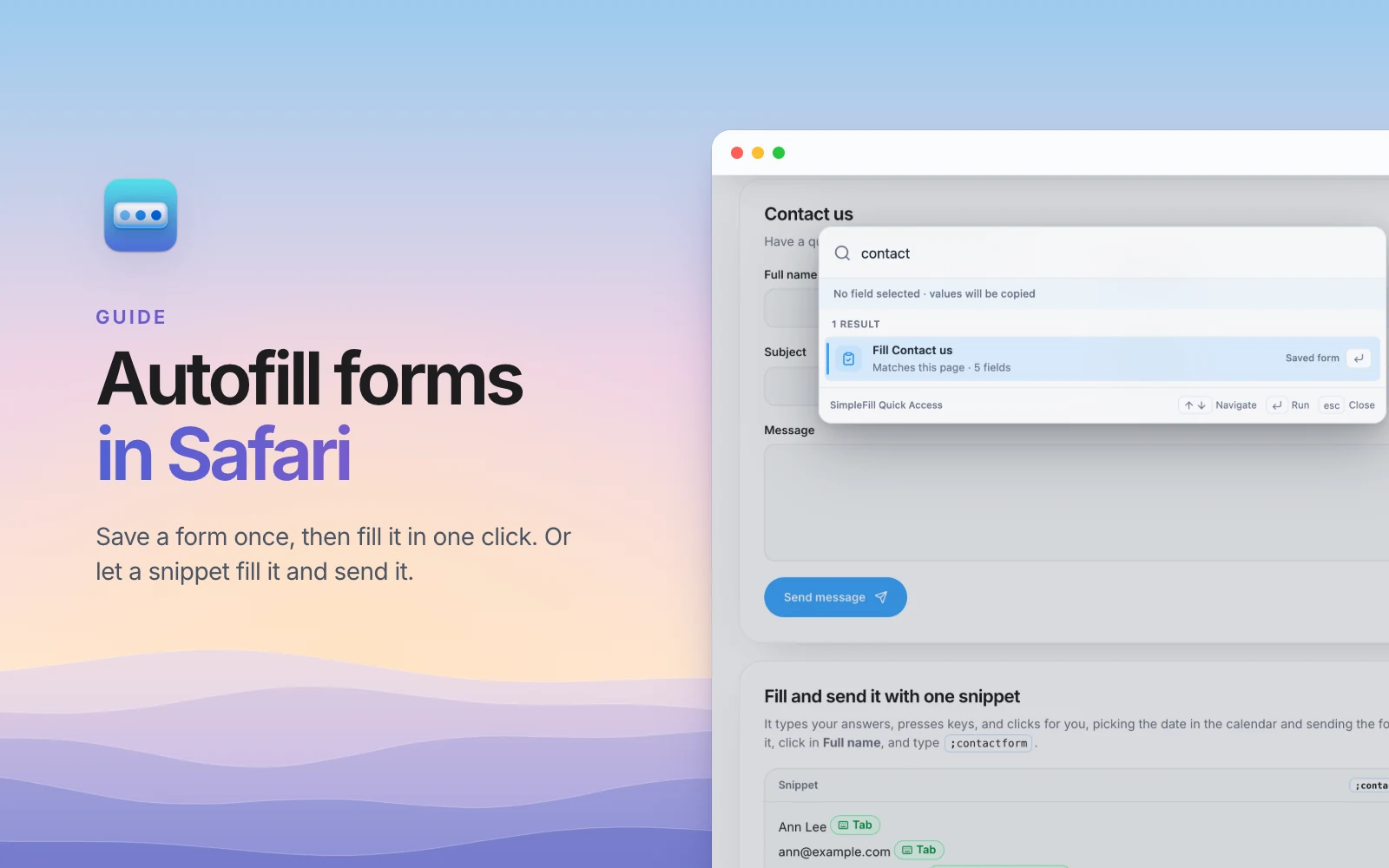
Guides
Safari's AutoFill knows your contact card, your passwords, and your cards. Here's how to fill the forms you repeat on your Mac in one click, or with one shortcut that fills the form and sends it.
Comparisons
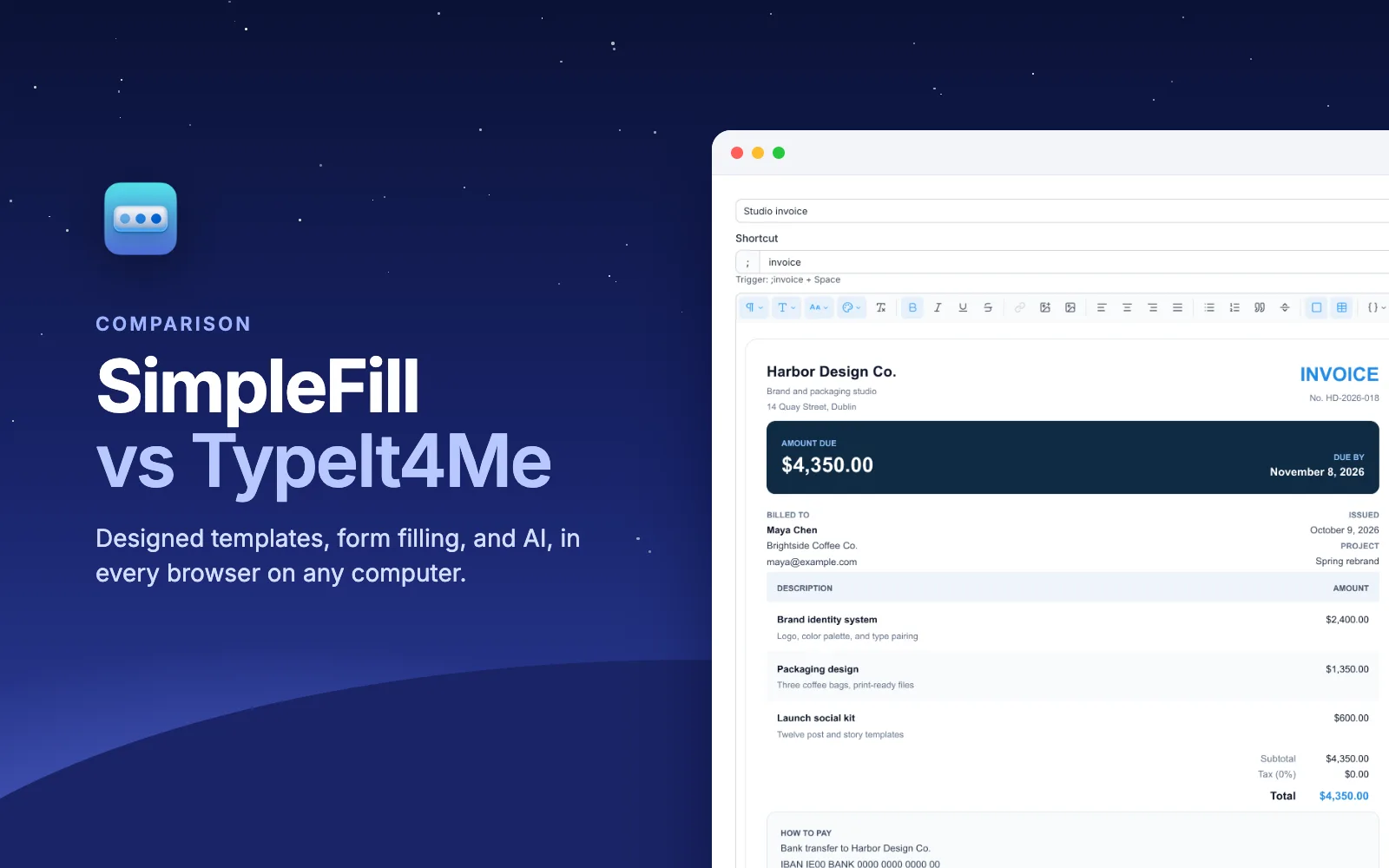
TypeIt4Me is a simple, affordable Mac text expander. SimpleFill lives in your browser on any computer and adds designed templates, context-aware fields, one-click form filling, and AI with memory. Here's how they compare.
Comparisons
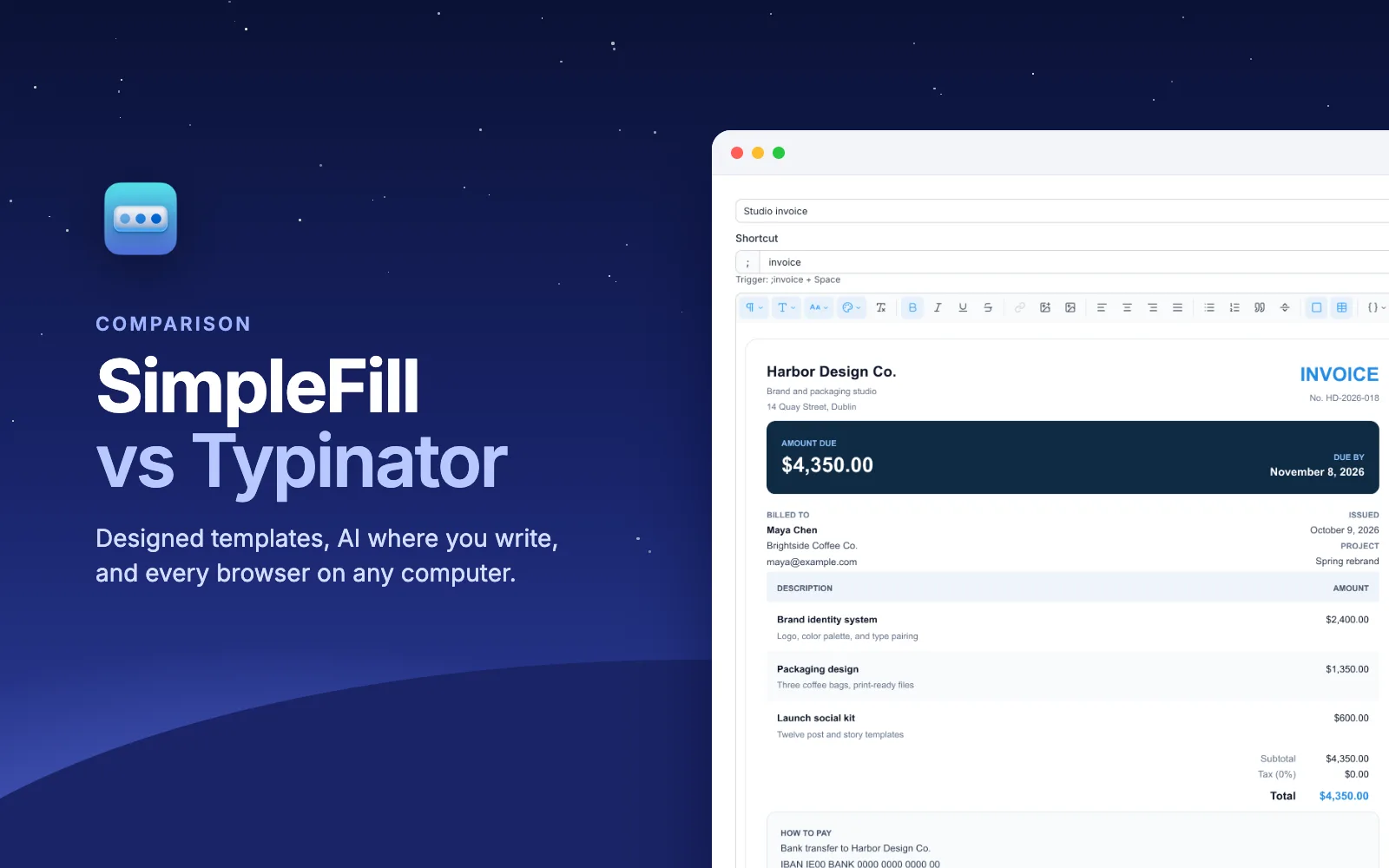
Typinator is a capable Mac text expander with regex, scripts, and a choice of one-time or yearly pricing. SimpleFill lives in your browser on any computer, with designed templates, context-aware fields, form filling, and AI with memory. Here's how they compare.
Guides
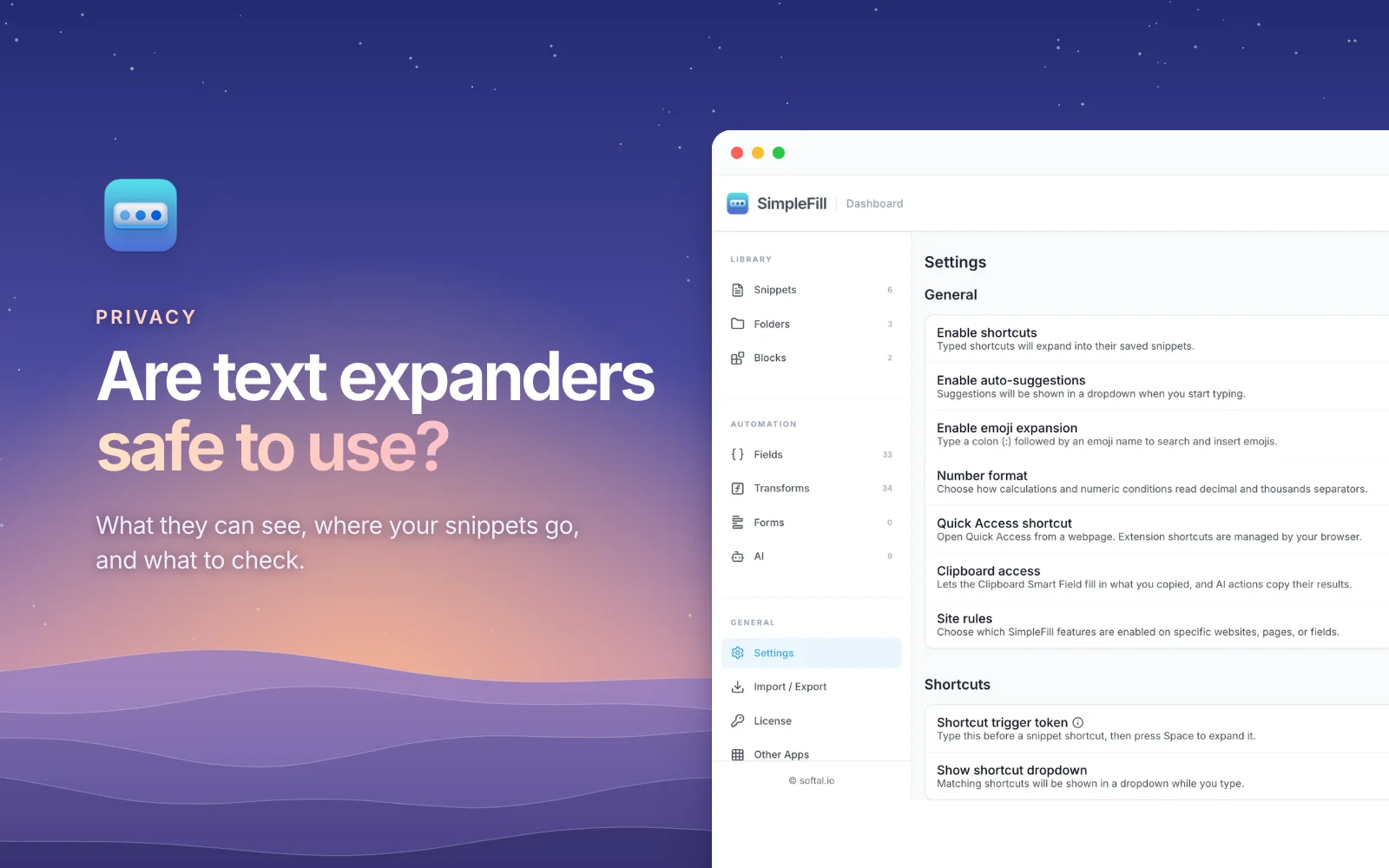
A text expander has to see what you type to work. Here's what that permission really means, where popular text expanders keep your snippets, and a short checklist for choosing one you can trust.
Guides
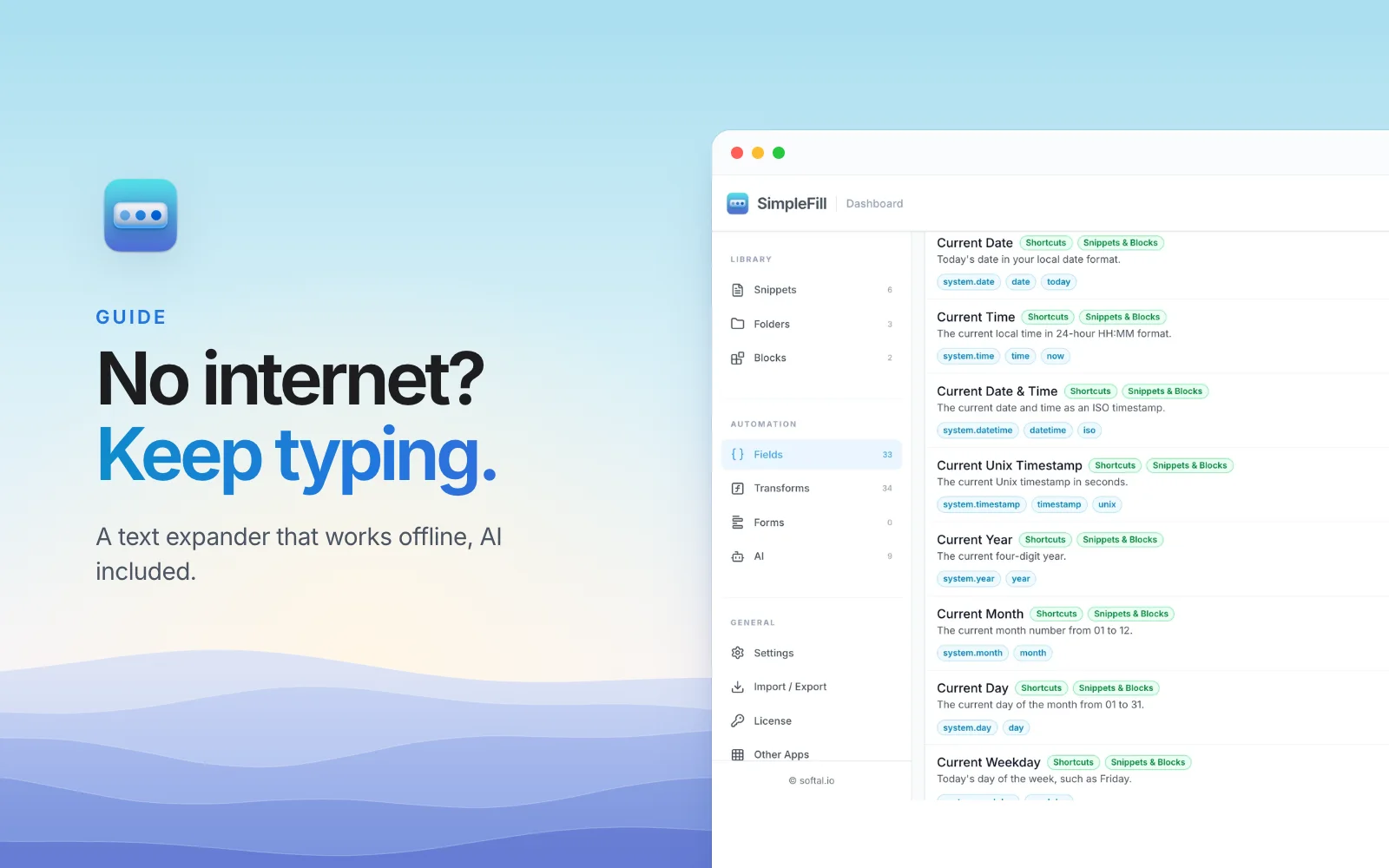
On a plane, on bad hotel Wi-Fi, or on a network that blocks cloud apps, your snippets should still work. Here's how SimpleFill keeps text shortcuts, templates, form filling, and even AI working with no internet.
ComparisonsUpdated
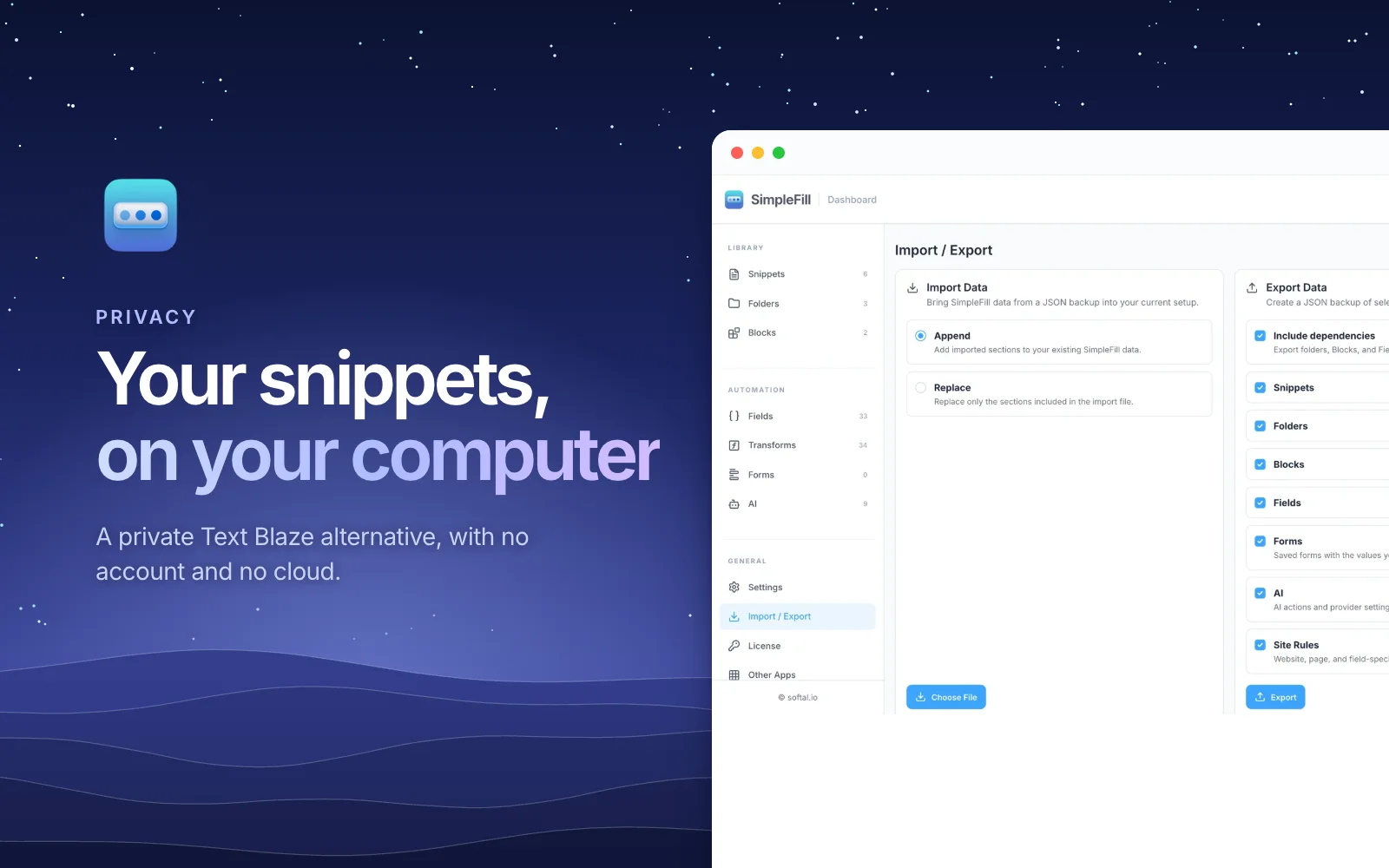
Text Blaze and TextExpander keep your snippets on their servers, behind an account. SimpleFill keeps them in your browser, with no account and nothing sent in the background. Here's what that means for your data.

A small addition to your browser.
A big difference to your day.